
Community-created missions available to download and play.
How to play custom missions
No mods required to play this mission.
To play a downloaded mission, place the files in RH/Data/Levels, replacing the original mission.

Remember to back up the original files before overwriting them.
Spellforge version 24.10 is required to play this content.
I. Necessary preparations
1. Install Spellforge in case it is not installed. .lua files will not be read otherwise. 2. Download the lib folder and copy it toRH/Data/Levels, otherwise custom levels will not be read correctly and game will crash during level initialization.II. Play modified original missions (no .cpf file in Data/Configuration)
1. Create backup files for relevant mission .rhm and .lua in yourRH/Data/Levelsfolder. 2. Copy modified mission .lua and .rhm toRH/Data/Levels. 3. Start from Sherwood or start new game, both should work.III. Play new missions (with .cpf file in Data/Configuration)
1. Go toRH/1031/Data/Text(German) orRH/2047/Data(English) or any other folder-number which is given by your specific RH language version Create Backup copy for level.res and rename. 2. Go toRH/Data/ConfigurationCreate Backup copy for profile.cpf and rename. 3. Copy the following files to your game folders: Level.res (RH/xxxx/Data/Text) profile.cpf (RH/Data/Configuration) MissionName.lua (RH/Data/Levels) MissionName.rhm (RH/Data/Levels) RHLevelXX.red (xx represents Mission ID,RH/Data/Text). 4. Open game, create new player profile (all profiles already existing will probably crash during victory, lose or end game events). 5. Do NOT use savegame files from the original profile.cpf structure. The mission order would then be messed up and other bugs could appear. 6. If you want to play your existing profiles, just replace the custom level.res and profile.cpf files with the original versions and switch to your desired player profile in main menu. The new levels will not appear then. Special thanks to CraignRush for providing this guide.
Spellforge version 26.x is required to play this content.
1. Install Spellforge.

2. Open Spellforge. In the Campaigns tab, choose the campaign.

3. Select Play if starting the campaign, or Continue to resume where you left off.
List of original missions
| # | File name | Mission | Map |
|---|---|---|---|
| 1 | H01_Lin_VL | Robin starts at Lincoln | Lincoln |
| 2 | S01_Not_VL | Rescuing Stutely | Nottingham |
| 3 | S02_Lei_MP | Rescuing Will Scarlet | Leicester |
| 4 | H02_Not_EC | Meeting with Marian | Nottingham |
| 5 | H03_Der_MK | Prince is traitor | Derby |
| 6 | S03_FoB_MP | Rescuing Little John | Croisement 2 |
| 7 | H04_Lei_VL | Ranulph (not killing) | Leicester |
| 8 | H05_Lin_EC | Rescuing Godwin’s Castle | Lincoln |
| 9 | S04_Der_EC | Rescuing Tuck | Derby |
| 10 | H07_Not_MK | Archery Competition | Nottingham |
| 11 | Str02_Der_MP | Capturing Derby | Derby |
| 12 | S05_Yor_EC | Rescuing Marian (wedding) | York |
| 13 | H09_Not_VL | Robin in Jail | Nottingham |
| 14 | H10_Yor_VL | Meeting Allan (letter) | York |
| 15 | Str03_Yor_MK | Capturing York | York |
| 16 | H12_Not_MP | Last mission Sheriff | Nottingham |
| – | Str01_Lin_EC | Recapturing lost Lincoln | Lincoln |
| – | Emb_FoA | Forest missions | Croisement 1 |
| – | Emb_FoB | Forest missions | Croisement 2 |
| – | Emb_FoC | Forest missions | Croisement 3 |
| – | Sherwood | Sherwood base | Sherwood |
| – | SherwoodOutro | Sherwood base night | Sherwood |
Sort by:
Filter by map:
There are 8 missions matching the criteria
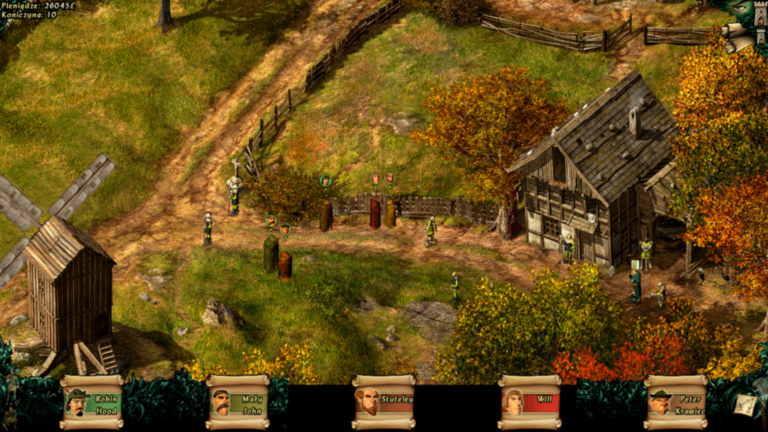
Recapture Leicester
Map: Leicester
Uploaded: Aug 26, 2026
1 

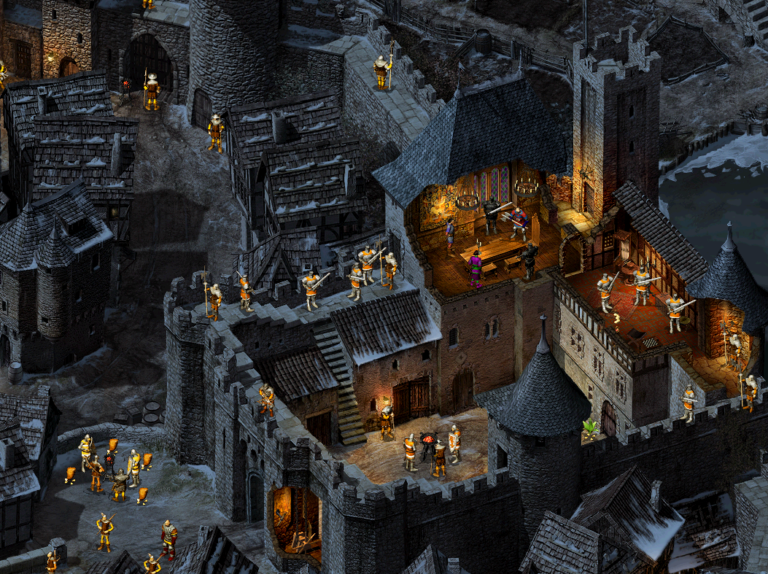
Meet the Spy
Map: York
Uploaded: Feb 12, 2026
3
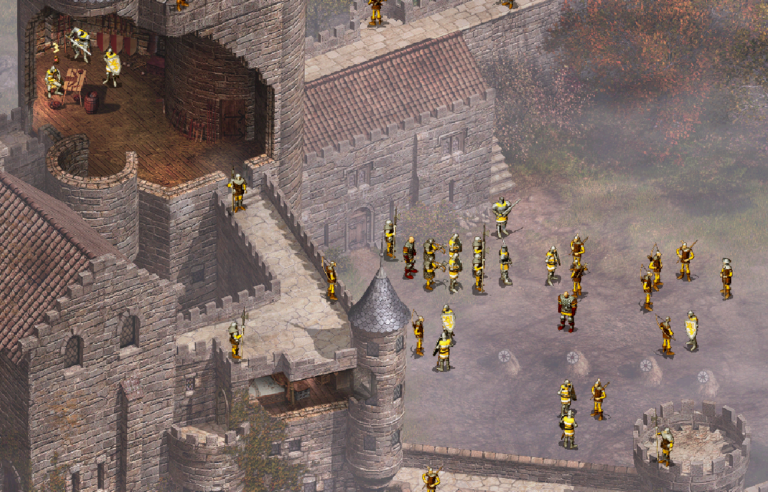
Rescue Allan the Dale
Map: Lincoln
Uploaded: Feb 12, 2026
3
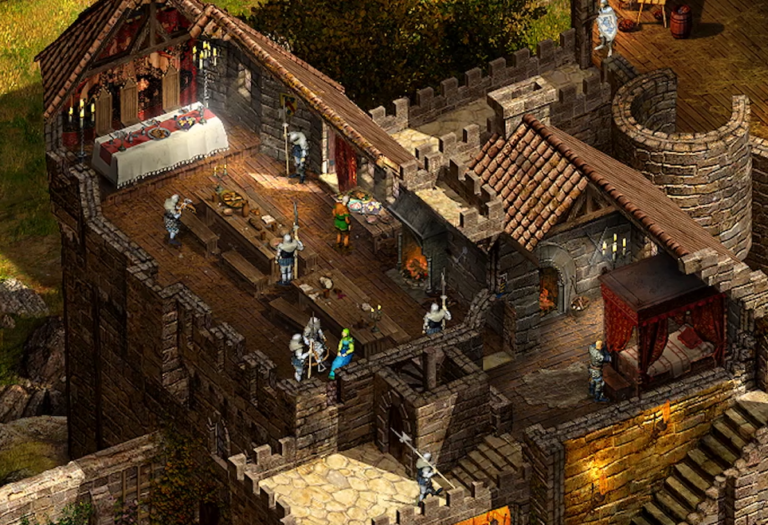
First Lincoln Mission
Map: Lincoln
Uploaded: Jan 11, 2025
3
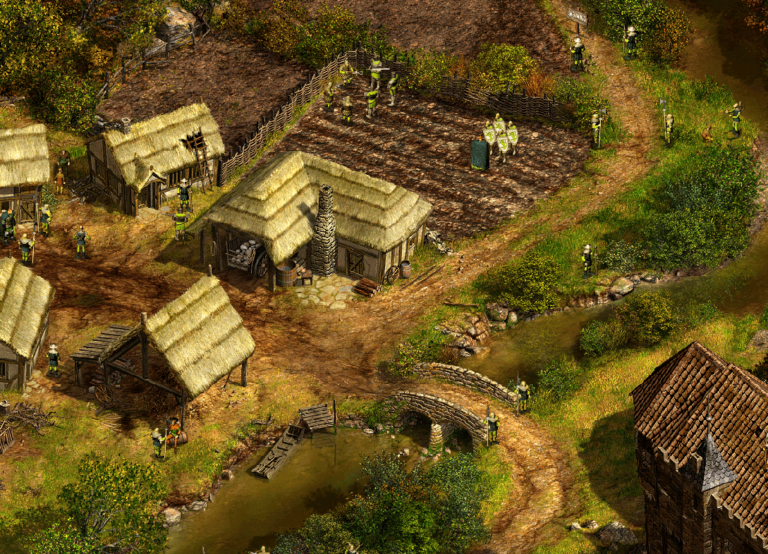
Escape From Lincoln I First Mission Remake
Map: Lincoln
Uploaded: Jan 11, 2025
3
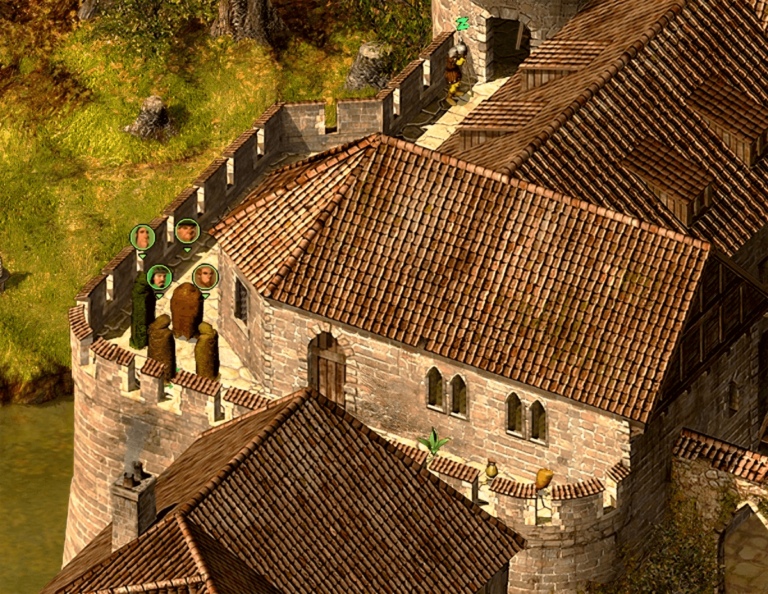
Leicester Escape
Map: Leicester
Uploaded: Jan 7, 2025
2
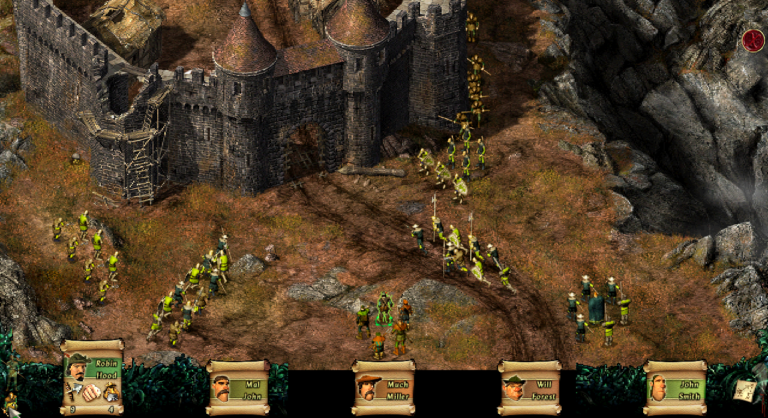
Derby Attack Siege
Map: Derby
Uploaded: Jan 7, 2025
2
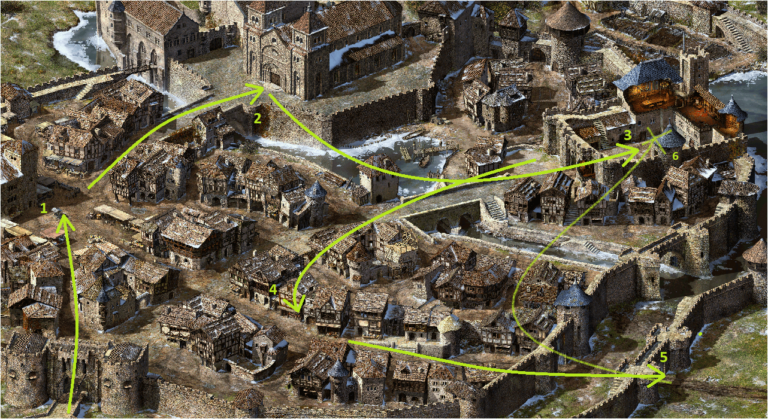
Defending the York City
Map: York
Uploaded: Jan 7, 2025
2